Free knowledge
Excellent for a quick answer
But you still have to decide what to learn, in which order, where to practise, how to measure progress and how to turn it into a job application.
Coding in simple language • From zero to job-ready
Start from zero. Understand every idea in simple language, practise after every chapter and prepare for interviews. By the end, you will be fully prepared for a job.
Courses are currently taught in: हिंदी + English मराठी + English
Why choose a paid course?
ChatGPT, YouTube, Google and official docs are useful. Keep using them. Your course adds the order, practice, progress and career tools that free information alone does not connect for you.
Free knowledge
But you still have to decide what to learn, in which order, where to practise, how to measure progress and how to turn it into a job application.
Your complete system
Learn in the right orderSimple chapters, code, diagrams and your course language
Practise and track progressInteractive practice, notes, revision and Dashboard
Career LabCheck skills, prepare for interviews and build projects
ATS Resume BuilderBuild, score, match and download your job resume
JobBridge AISee jobs ranked by the skills your course teaches
Not just information: a path you can followLearn, practise, prove your progress and take the next career step in one place.
| What you need | Free AI, videos and search | CodeLangs AI |
|---|---|---|
| What to learn next | You search and build the order yourself | A complete syllabus in the right order |
| Practice and feedback | You collect exercises from different places | Practice after every chapter, with instant explanations |
| Progress | No single learning record | Dashboard, completion percentage and weekly progress |
| Proof of skill | A chat or watch history is not proof | Career Lab skill checks, projects and Skill Passport |
| Job resume | You format and check it yourself | ATS score, job-keyword match and ready downloads |
| Finding relevant jobs | Search every job site separately | JobBridge AI ranks openings by your course skills |
You are not paying for information alone. You are paying for a clear path from “What should I learn?” to “I am ready to apply.”
Read free chaptersYour benefit
Today
After the course
Who is it for?
If yes, these courses are made for you.
No coding experience at all? No problem. The courses start right from the basics.
3 ways to learn
Every course shows how it teaches. Pick the way that suits you.
Lesson course
Every chapter is an interactive lesson: understand, see the code and practise.
Lesson + Video course
Some chapters are videos, some are interactive lessons, all in one course.
Video course
Every lesson is a clear, protected video. Watch at your own pace.
Included with every format: Study Notepad • 11 color themes • Chapter list • Progress Dashboard
Step 1
Each course shows its teaching language, chapters, free chapters and price. Buy only if you like it.
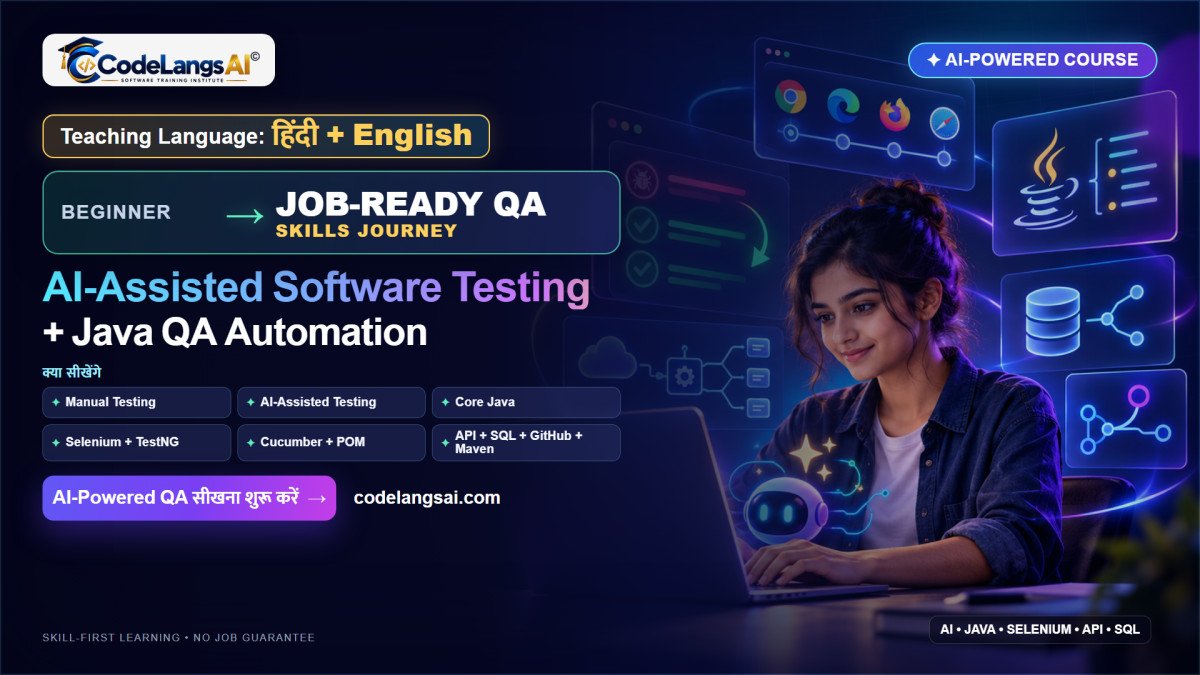
Master Manual Testing, Core Java, Git & GitHub, Maven, SQL, Selenium WebDriver, TestNG, Cucumber BDD, REST Assured & AI-Assisted QA with Real-World Projects — From Beginner to Job Ready.
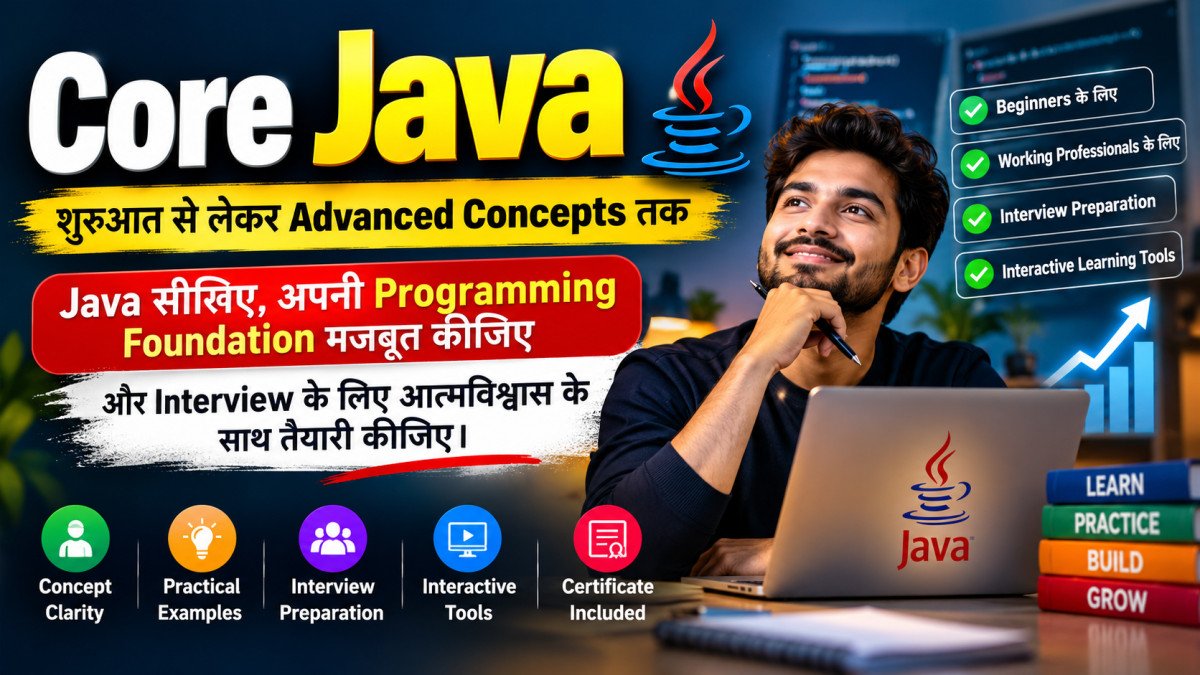
Core Java की मजबूत Foundation से Advanced Concepts तक — Beginners और Experienced Professionals, दोनों के लिए।
Certificate: As soon as you enroll
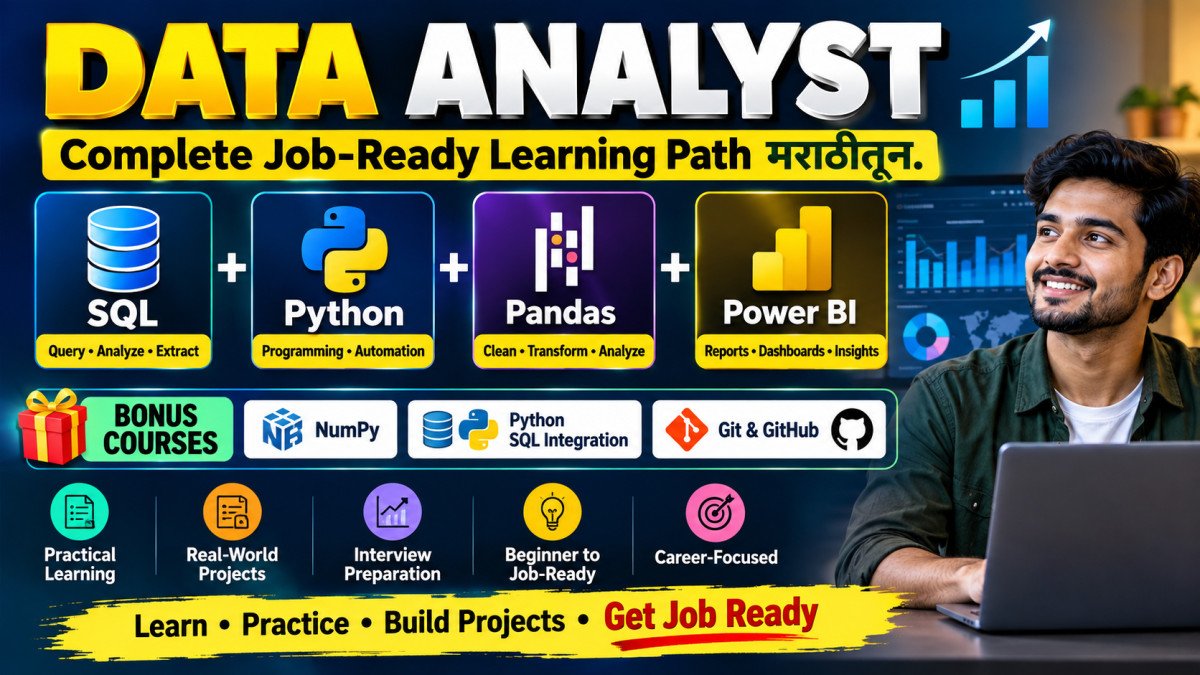
SQL + Power BI + Python + Pandas — Complete Data Analyst Job-Ready Learning Path, मराठीतून. Includes Bonus Courses: NumPy, Python SQL Integration & Practical Git + GitHub
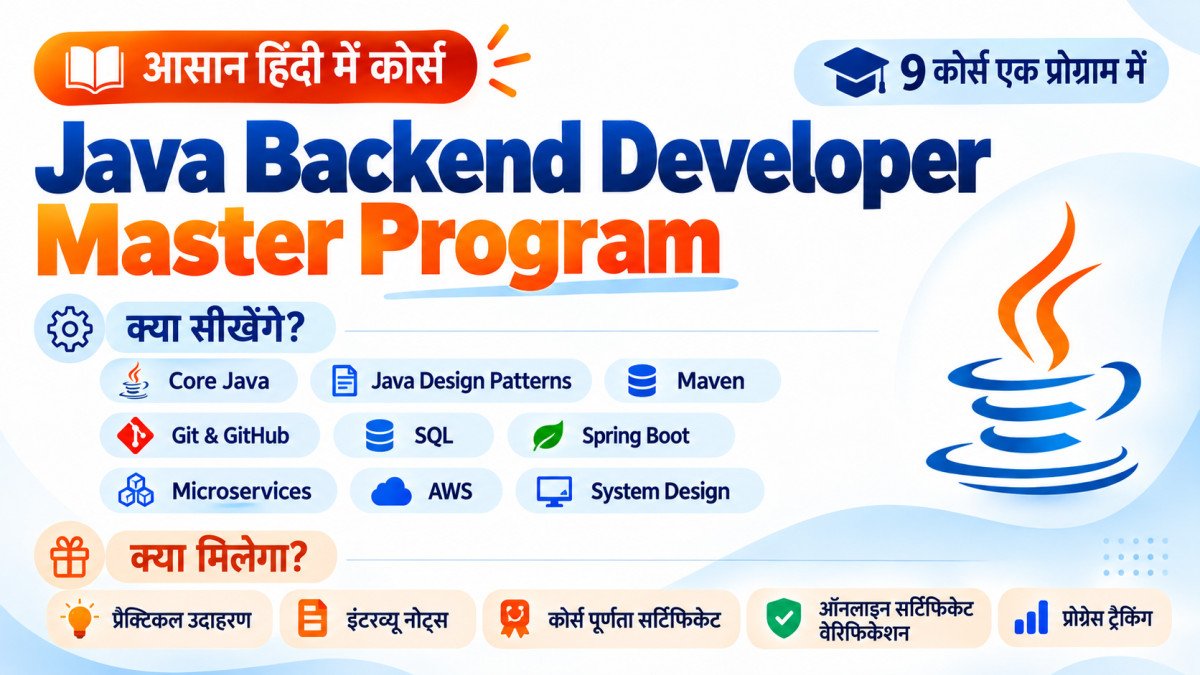
Core Java से लेकर Spring Boot, Microservices, AWS और System Design तक — एक ही कोर्स में सीखें Complete Java Backend Development, आसान हिंदी में!
Certificate: As soon as you enroll
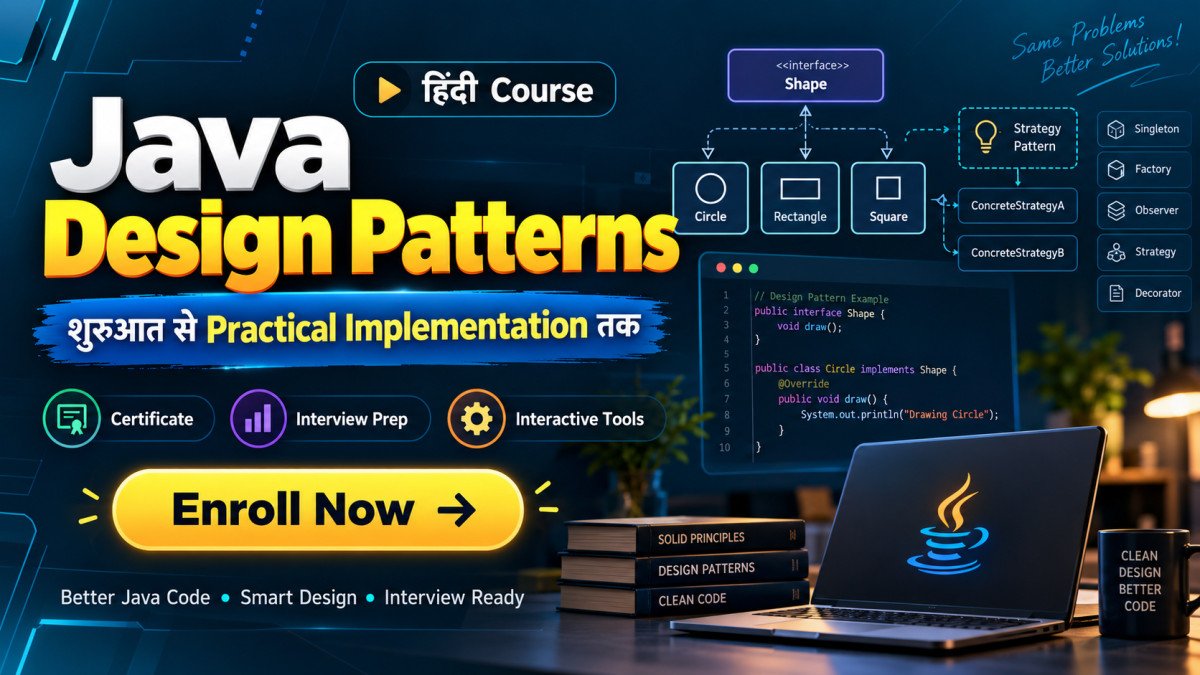
Design Patterns समझिए, Better Java Code लिखिए और Professional Software Design की सोच विकसित कीजिए।
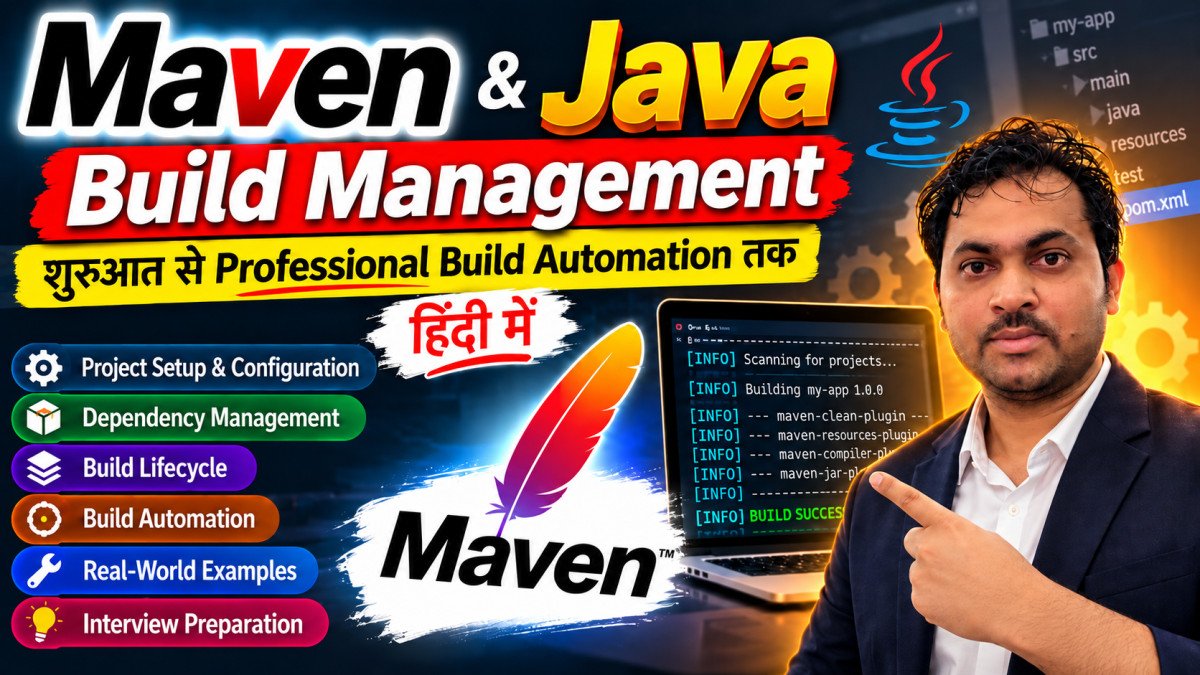
Maven समझिए, Java Builds को Automate कीजिए और Professional Project Management सीखिए।
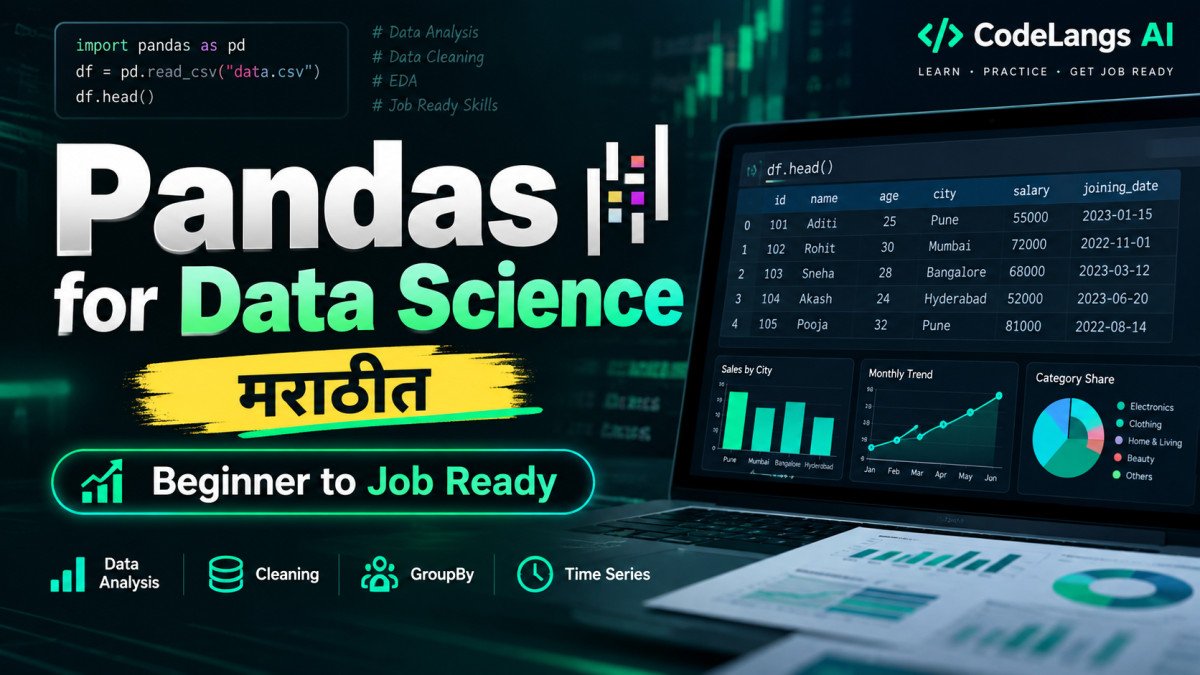
Pandas शिका मराठीत — Real-World Data Cleaning, Analysis आणि Data Science Workflows साठी तयार व्हा.
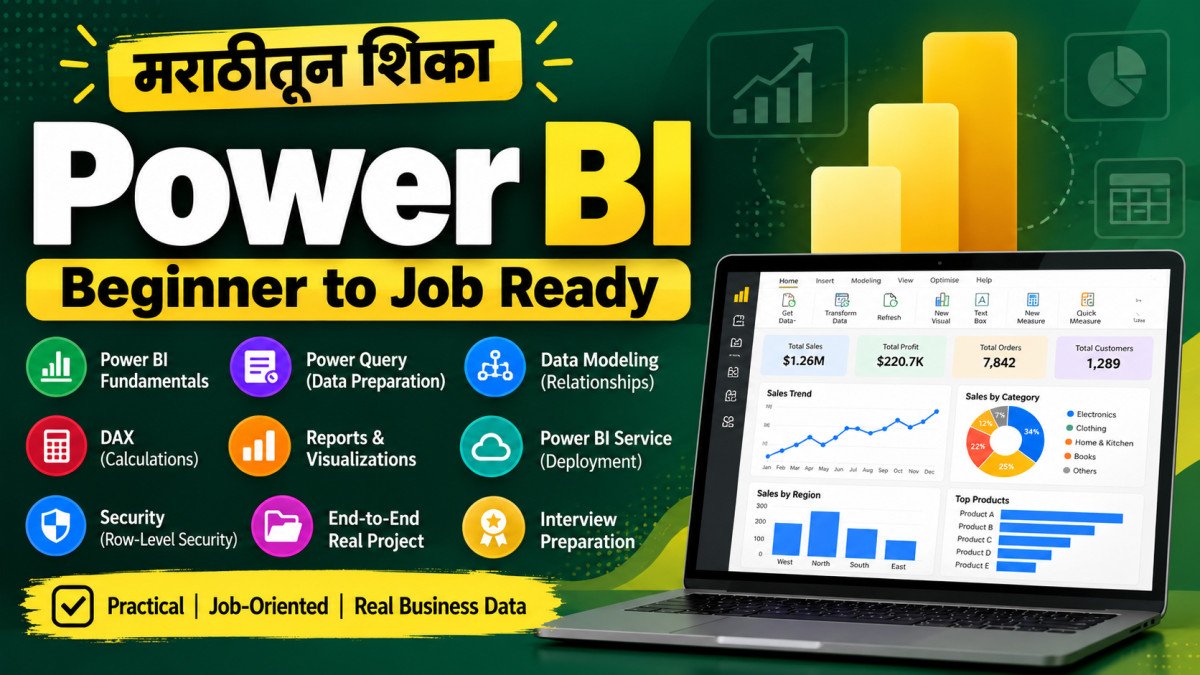
Power BI शिका मराठीत — Data Cleaning पासून Interactive Reports, DAX, Data Modeling आणि Job-Ready Business Intelligence Skills पर्यंत.
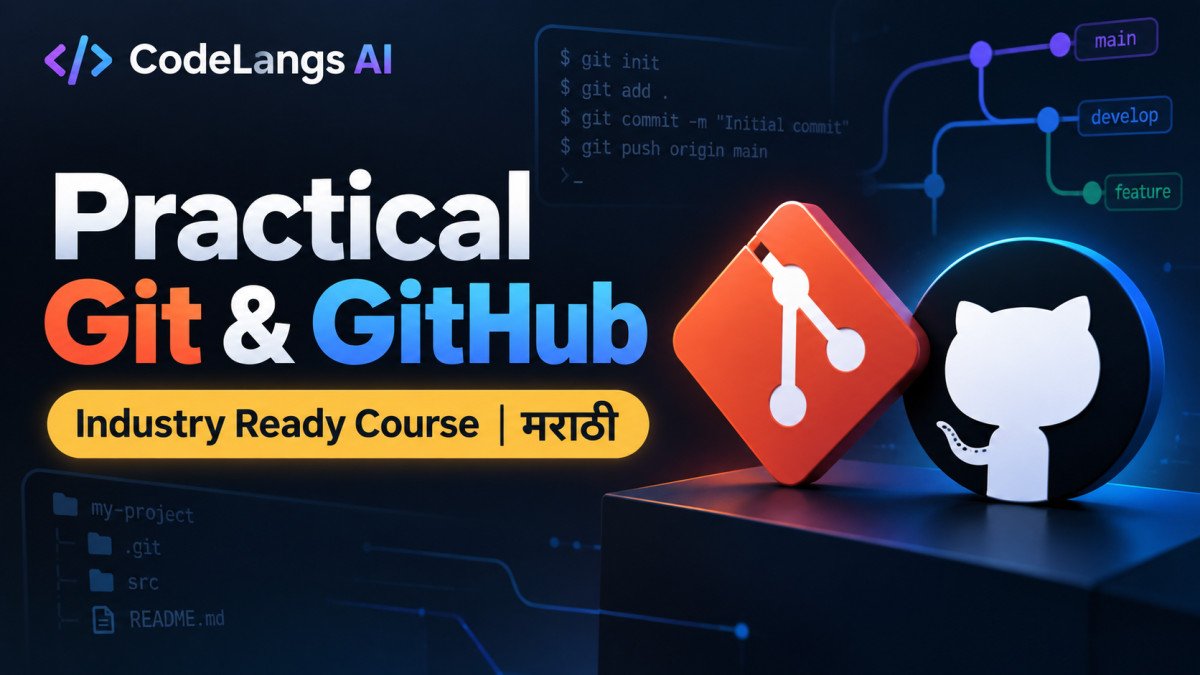
Practical Git & GitHub – Industry Ready Course | मराठी
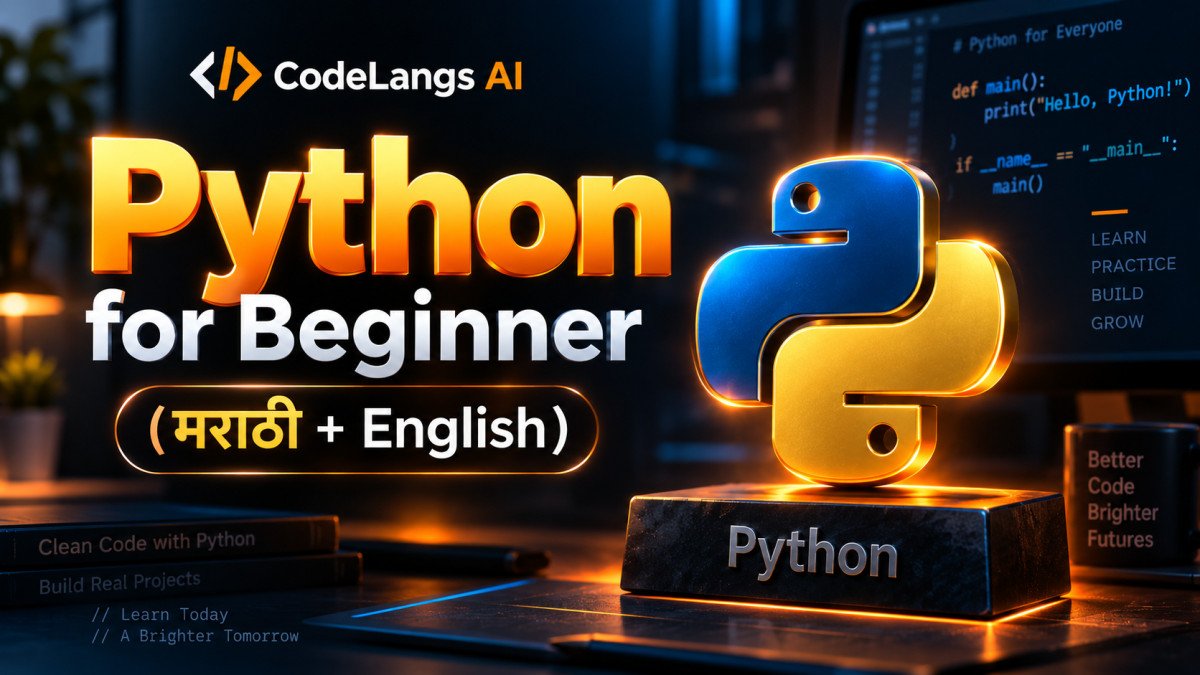
Python Beginner to Job Ready — मराठीत Learning, English मध्ये Interview Preparation.
Certificate: As soon as you enroll
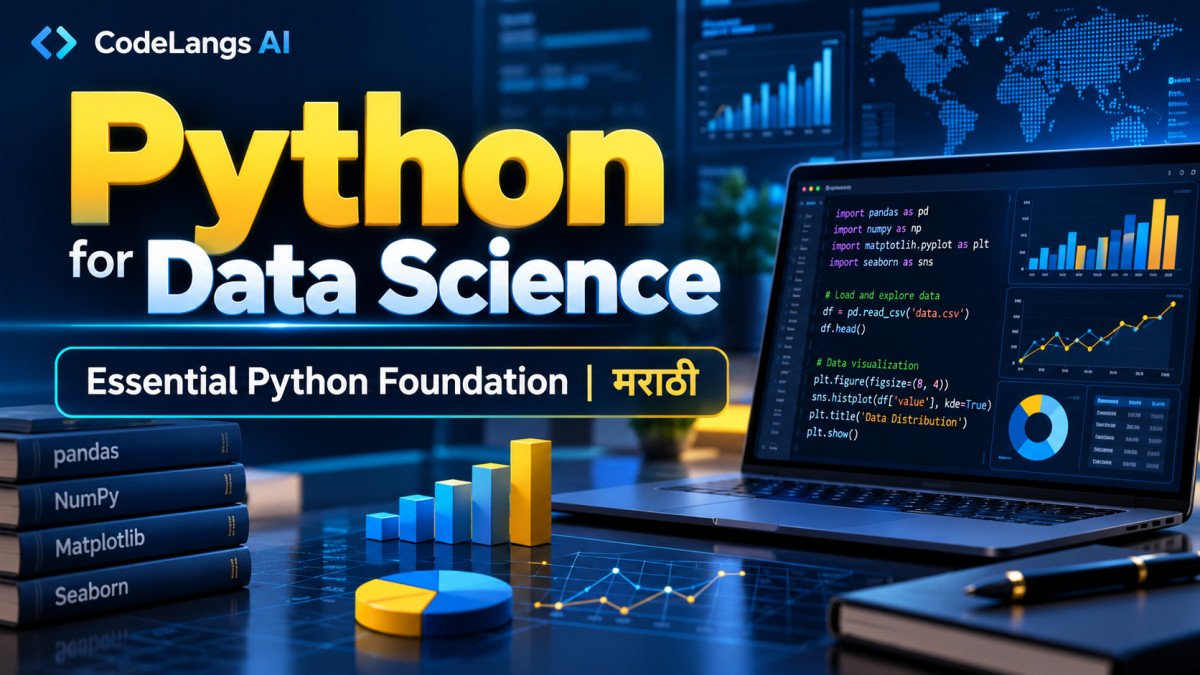
Master Essential Python Skills for Data Science — मराठीत, Step by Step
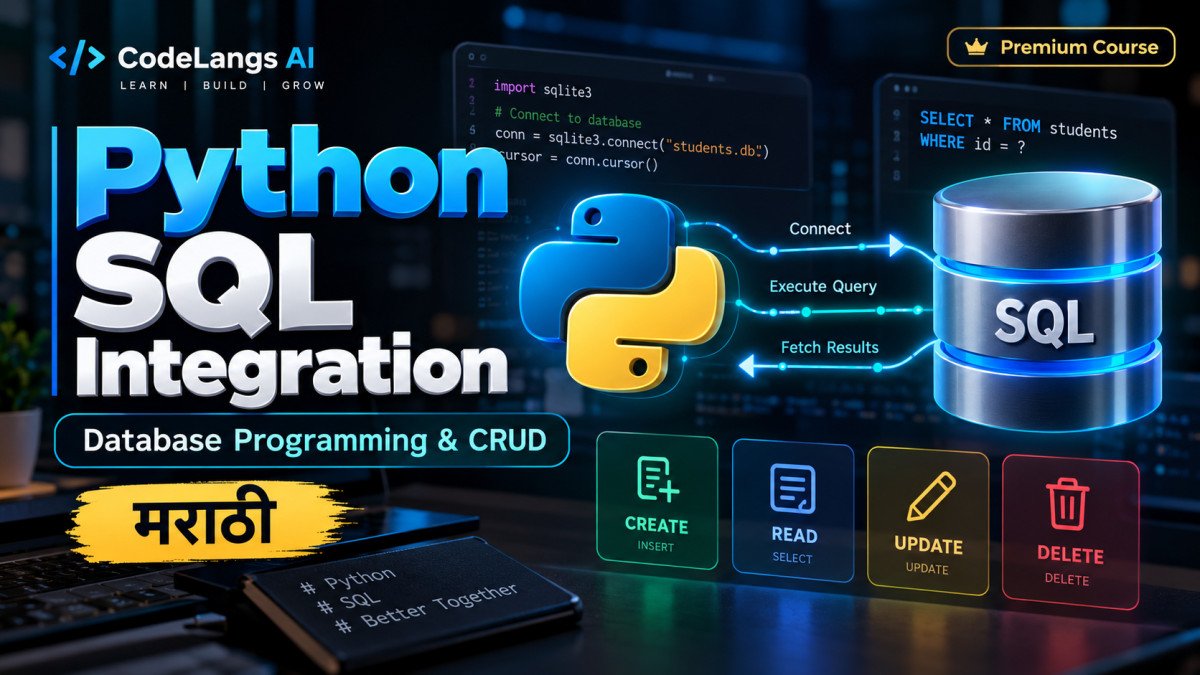
Python मधून SQL Database Connect करा, Secure Queries लिहा आणि Complete CRUD Application तयार करा — अगदी सोप्या मराठीत.
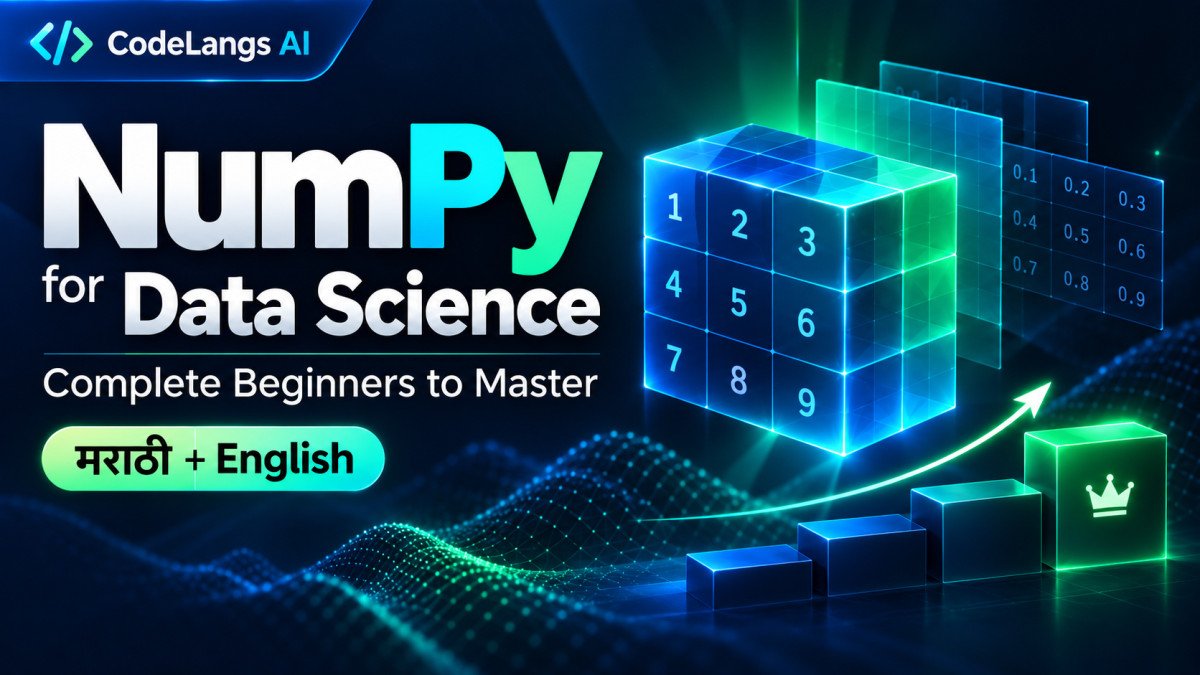
NumPy शिका मराठीत — Data Science आणि Machine Learning साठी तयार व्हा.
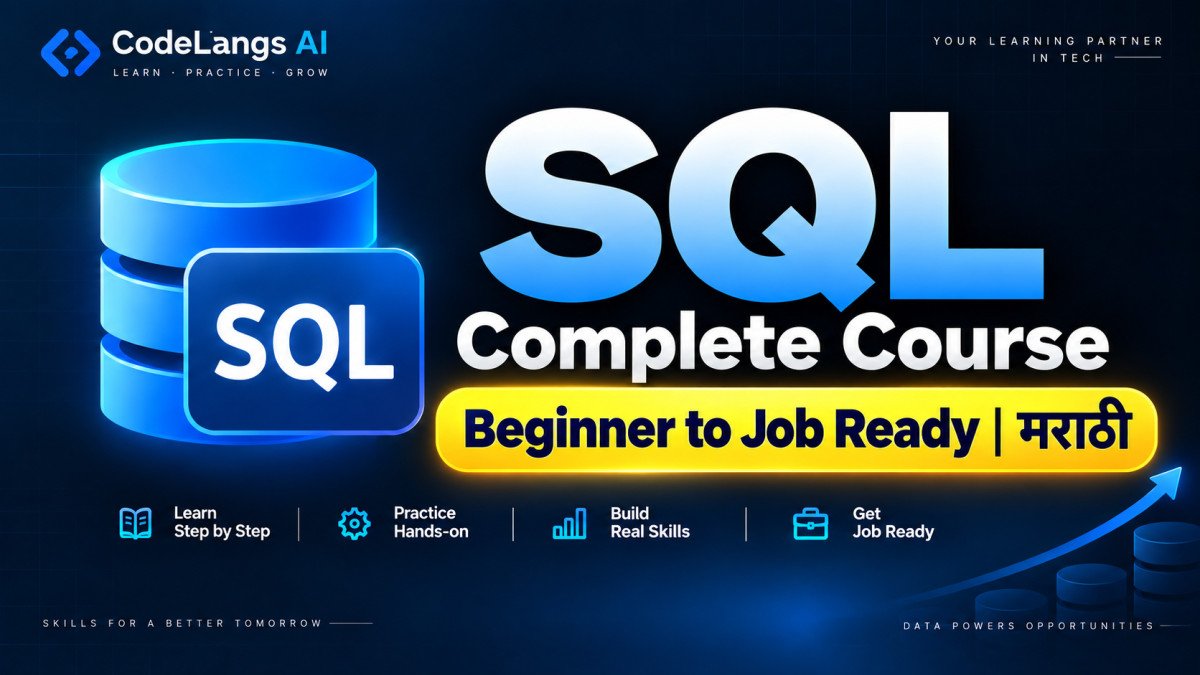
Concept ते Query, Practice ते Interview — सर्व काही एका Course मध्ये
After you buy a course
The complete path from start to goal, one step at a time, in simple language.
Step 2 • Read and understand
A lesson is more than text. Every tool for understanding, practising and remembering is on one screen. Taught in हिंदी + English, मराठी + English.
Chapter listEvery chapter of the course in one place, searchable by name
Jump to a topicGo to any topic in one click with “Jump to”
What you will learnA clear goal at the start of every chapter
Colour note boxesKey Idea, Definition, Remember, Common Mistake and the meaning in your language
CodeCopy it in one click, view it large in full screen
DiagramZoom in and study it in full screen
Practice LabMCQ, Flashcard, Interview and more at the end of the chapter
Short NotesQuick revision notes, with a PDF download
Reading dockTheme, text size A−/A+, full screen, bookmark, notepad and progress %
11 color themesA screen for every mood: light by day, dark at night
Step 3 • Practice
You get practice after every chapter. As soon as you answer, you see whether it is right or wrong, and why.
Step 4 • Revision
No need to reread the whole chapter before an exam or interview.
Step 5 • Dashboard
Your Dashboard opens as soon as you log in. No need to remember where you stopped.
Step 6 • Interview
Every important topic comes with the questions interviews often ask, and simple answers.
Step 7 • Career Lab
Career Lab uses the skills taught in your courses to give you a personal job-readiness workspace.
Career Lab only uses skills supported by your course content.
See Career LabStep 8 • Certificate
Add the certificate to your resume, LinkedIn or job applications.
These courses include a certificate:
CodeLangs AI
Software Training Institute
Certificate
of Completion
This certificate is proudly presented to
Aarav Deshmukh
for successfully completing the course
Python for Beginner to Job Ready
 Dattatray Sabne
Founder & Lead Instructor
Dattatray Sabne
Founder & Lead Instructor
Awarded in recognition of successful completion of the course requirements.
SampleStep 9 • Resume
Free when you buy a course
Many companies first screen resumes with software called an ATS. This tool builds a resume that an ATS can read easily.
3 ATS-safe designs • 6 colours • up to 10 resumes for different jobs
Step 10 • Find matching jobs
Instead of searching every job site blindly, start with openings that match the skills your courses actually teach.
JobBridge AI helps you discover and organise relevant openings; the company makes every hiring decision.
See JobBridge AIYour goal
Now you can apply for jobs with confidence.
Choose your course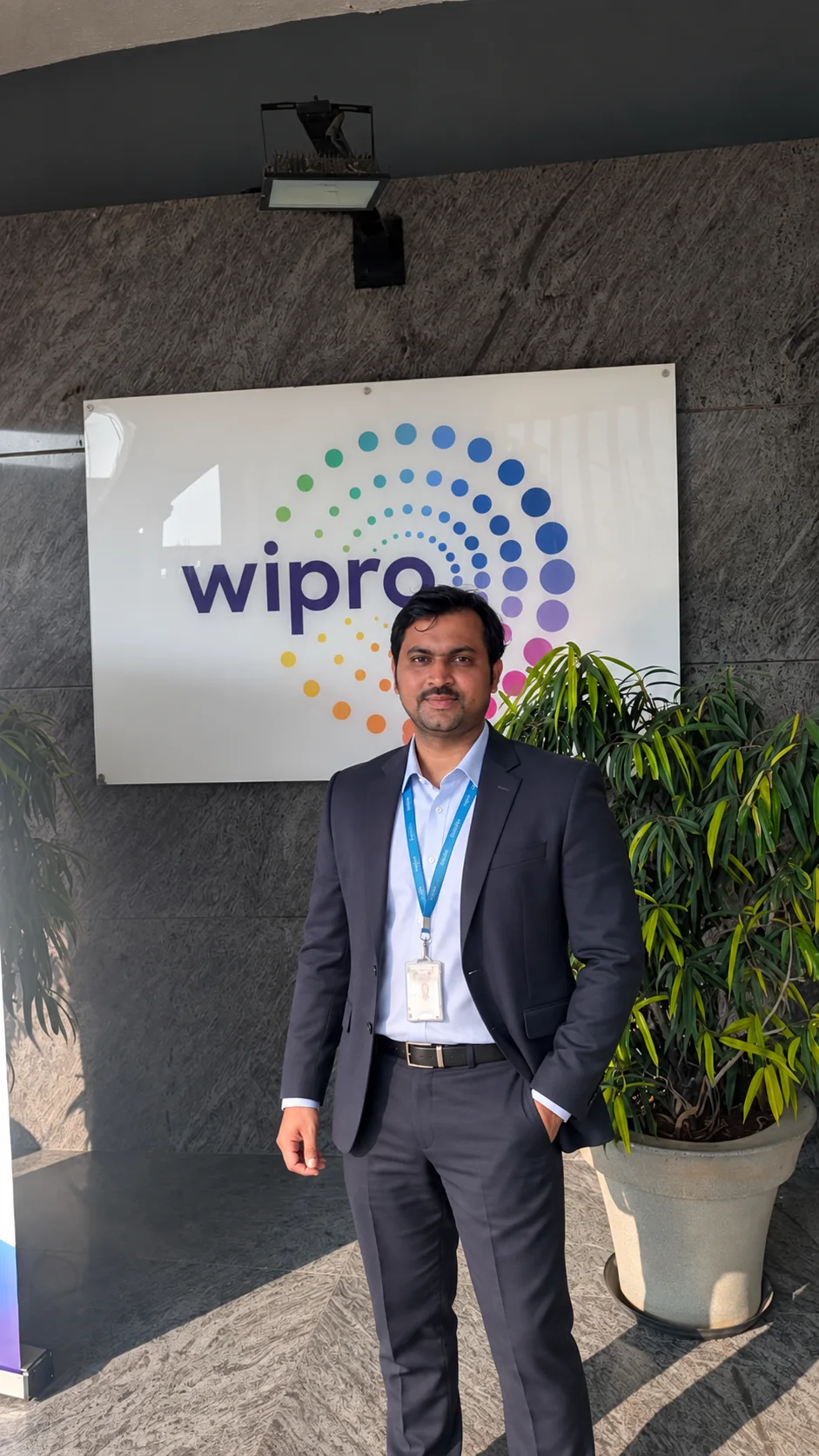
12+years of industry experience
Your teacher
Who will teach you?
Founder, CodeLangs AI
You learn the work that really happens in software companies, explained in simple language.
Former Technical Interview Panel Member at Wipro Interview preparation from someone who conducts interviews You will learn what interviews really ask and what a good answer looks like.
How does this help you?
The price, explained
That is under ₹3 a day, less than a cup of tea.
Pay once and the full course is yours for the plan you choose.
See courses and plansThis price includes:
Getting started is easy
Your questions
Every course shows its teaching language on its card and page. Right now, courses are taught in हिंदी + English, मराठी + English. This website's language only changes the site's text, not the lessons.
Yes. Beginner courses start right from the basics. Everything is explained in short chapters, with simple examples and practice.
Use free tools for extra explanations and quick answers. The course is for the part they do not organise for you: a complete sequence, practice after every chapter, saved progress, revision, interview preparation and connected career tools.
Yes. Most courses have their first few chapters free. Press “Read a free chapter” to see the teaching style yourself.
Your next chapter, each course's progress (%), a weekly learning graph and how long your access lasts, all in one place.
In a course with a certificate, once you meet its condition, press “Claim” in the Certificates section of your Dashboard, enter your name and download the PDF.
A tool for building a job resume. It includes an ATS score, keyword matching with a job description, 3 designs and PDF/Word/text download. It unlocks free when you buy any course.
It is your job-readiness workspace for supported course skills: secure skill checks, interview preparation and games, guided projects, a daily plan, job-ready score and an optional Skill Passport.
It reads the skills taught in your accessible courses and ranks relevant openings with a match score. You can see matching and missing skills, save jobs and apply on the company’s own careers page.
The full course stays open in your account for the number of months in the plan you choose.
Choose a plan on the course page, pay with a UPI app and send the payment details. Once the payment is confirmed, the course opens in your Dashboard.
Yes. On a phone, tablet, laptop or computer, in any browser.
Take the first step today
The first step is small, but the path leads towards a job.
You are signed in with verified email .
Would you like us to email you at this address the moment this course becomes available for enrollment?